Redefine precision and immersive control





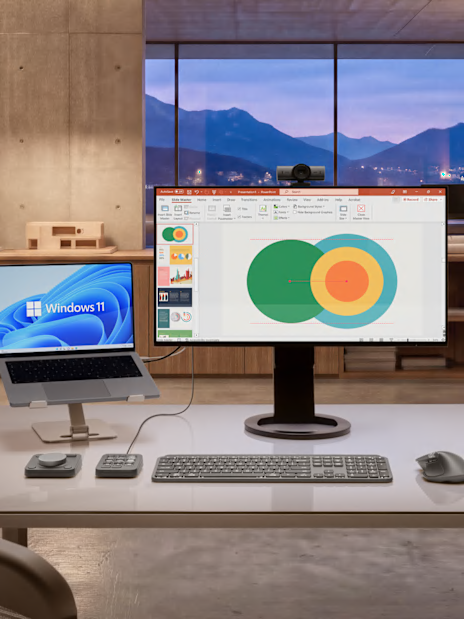
Feel subtle, tactile haptic feedback for native Windows actions and apps such as:
- Aligning objects in PowerPoint
- Window snapping, resizing
Haptics provide tactile feedback, like vibrations, when interacting with a device. With the MX Master 4, you can experience immersive tactile feedback, meaning that you will feel vibrations when performing specific actions.
For example, you can add the haptics enabled zoom plugin from the Logi Marketplace to get notified if someone raised their hand during the meeting or if you entered the wrong meeting ID. You can also use haptics in specialized apps like Adobe Photoshop for specific actions. For example, get notified when a Generative Fill is complete or feel more precise when an object snaps with the Smart Guide.
This feature is only available with MX Master 4 and specific plugins in the Logi Marketplace at this moment. Please click here to see supported haptic plugins.
Take your workflow further with the first productivity mouse, MX Master 4 optimized for native integration with Advanced Haptics on Windows 11*.
*Compatible with the latest version of the Windows operating system (Windows 11 update from end of March 2026 onwards).
Feel subtle, tactile haptic feedback for native Windows actions and apps such as:
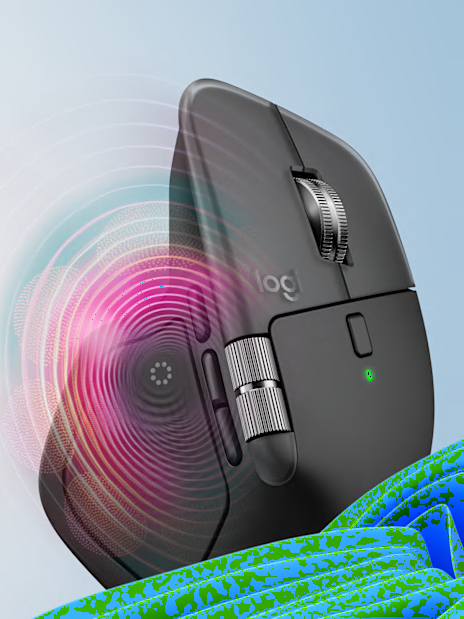
You can control the intensity of these actions directly from the Windows OS settings page
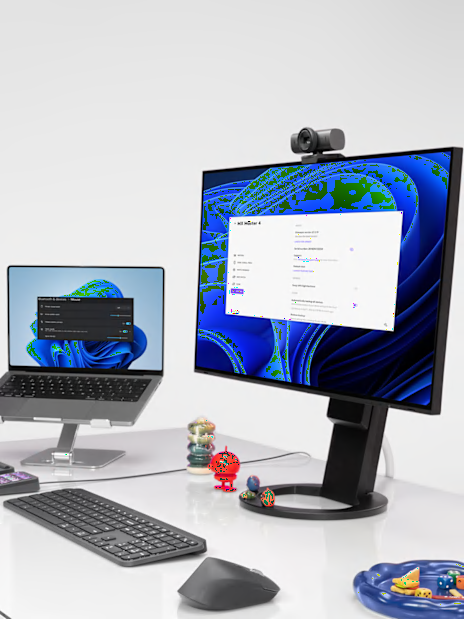
Simply update the firmware of your MX Master 4 from the Options+ device settings page if this doesn't happen automatically to enjoy native Windows haptics without any additional software needs.
You can feel haptic feedback for Options+ features or expand possibilities with haptic enabled plugins from the Logi Marketplace.
Enable haptic feedback for Actions Ring and as you navigate through different bubbles or select an action from the Ring, feel a haptic feedback.
Add haptic feedback at any specific step of your Smart Actions to be fully in control.
Feel more precise with haptic feedback for gestures when you switch desktops and more.